
LastPass Features: Complete Password Management
From encrypted vault storage to dark web monitoring, every LastPass feature is designed to keep your credentials secure while making daily logins effortless.
Admin Dashboard for Teams
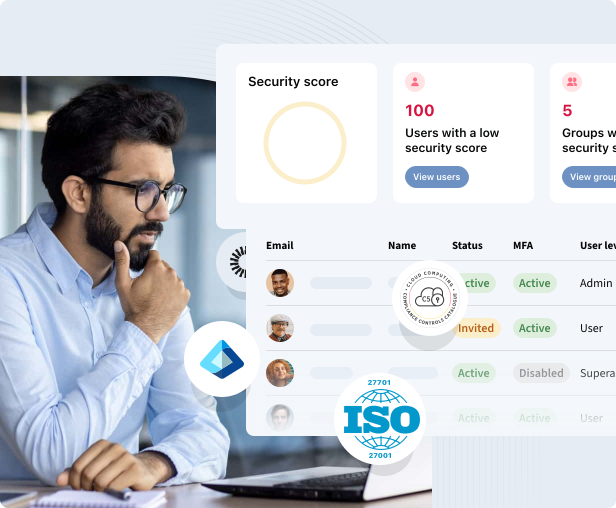
Monitor organization-wide security scores, track MFA adoption, and manage users from a centralized admin console. LastPass helps IT teams enforce credential policies and maintain compliance with ISO 27001 and related standards.
- ✓ Security score dashboard with user and group insights
- ✓ User provisioning, status tracking, and MFA enforcement
- ✓ ISO 27001 and SOC 2 aligned security controls
- ✓ Audit password health across your entire organization
Secure Password Vault
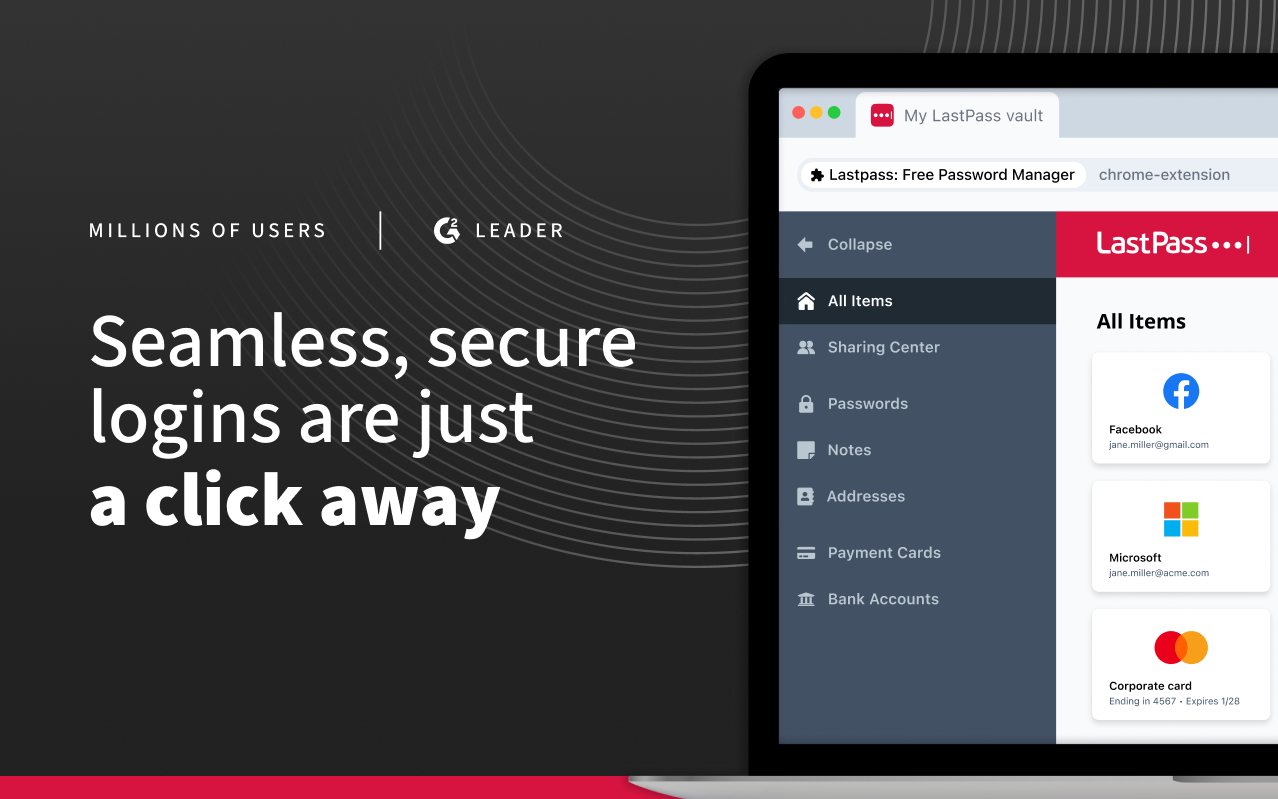
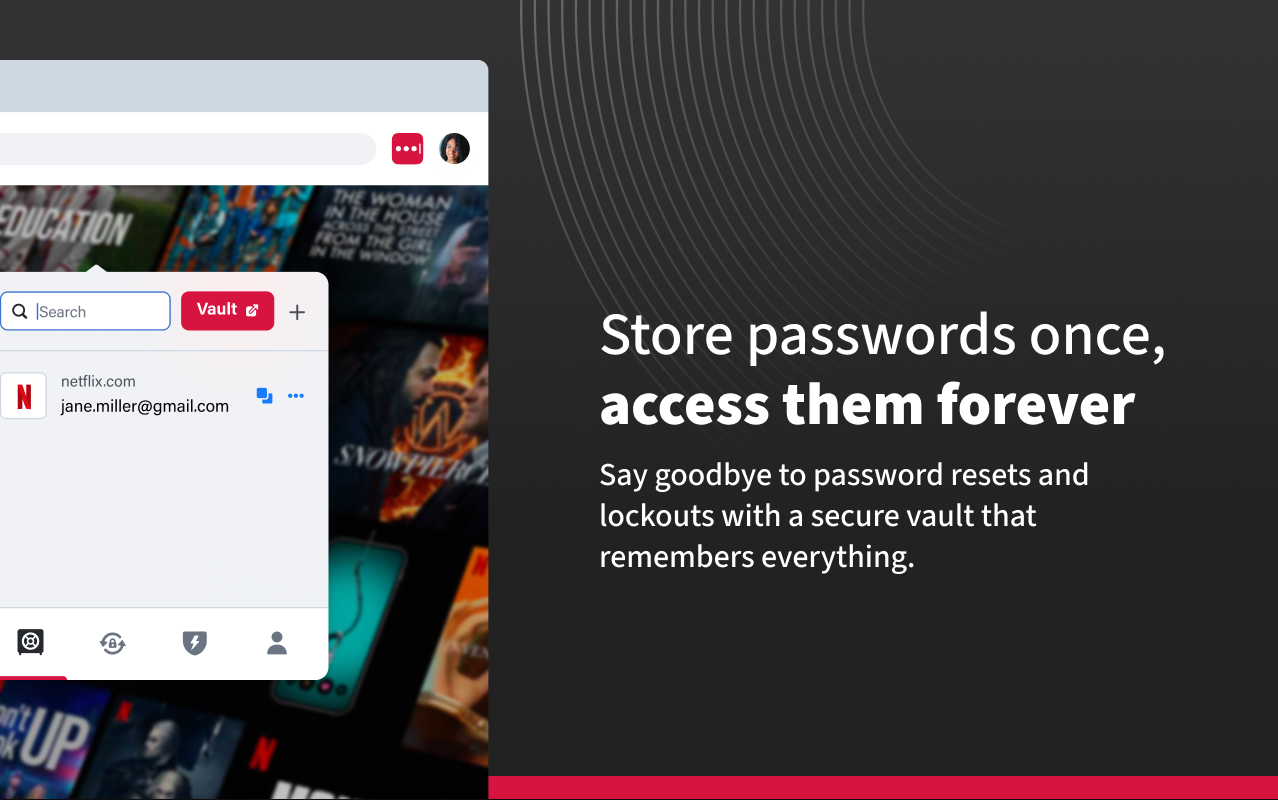
Your LastPass vault is the encrypted heart of the password manager. Store unlimited passwords, passkeys, usernames, payment cards, insurance information, social security numbers, and private secure notes in one protected location.
- ✓ AES-256 encryption with zero-knowledge architecture
- ✓ Organize entries with folders and tags
- ✓ Store passkeys alongside traditional passwords
- ✓ Attach encrypted files up to 1 GB on Premium plans
Smart Autofill
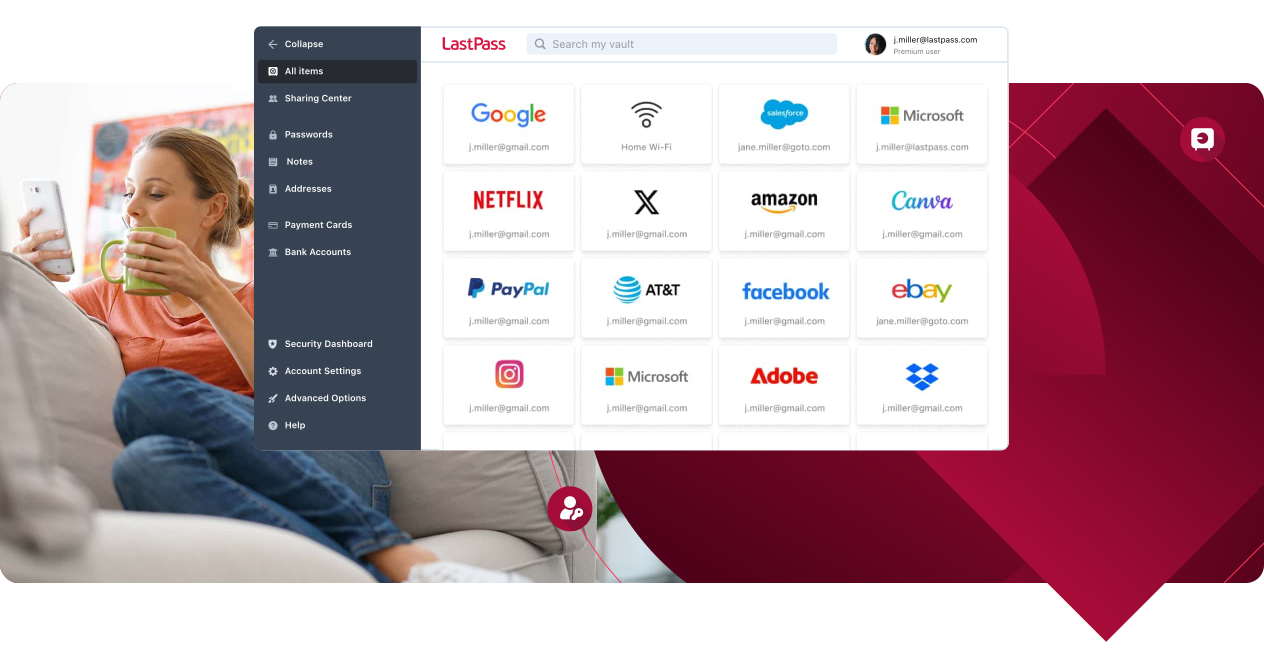
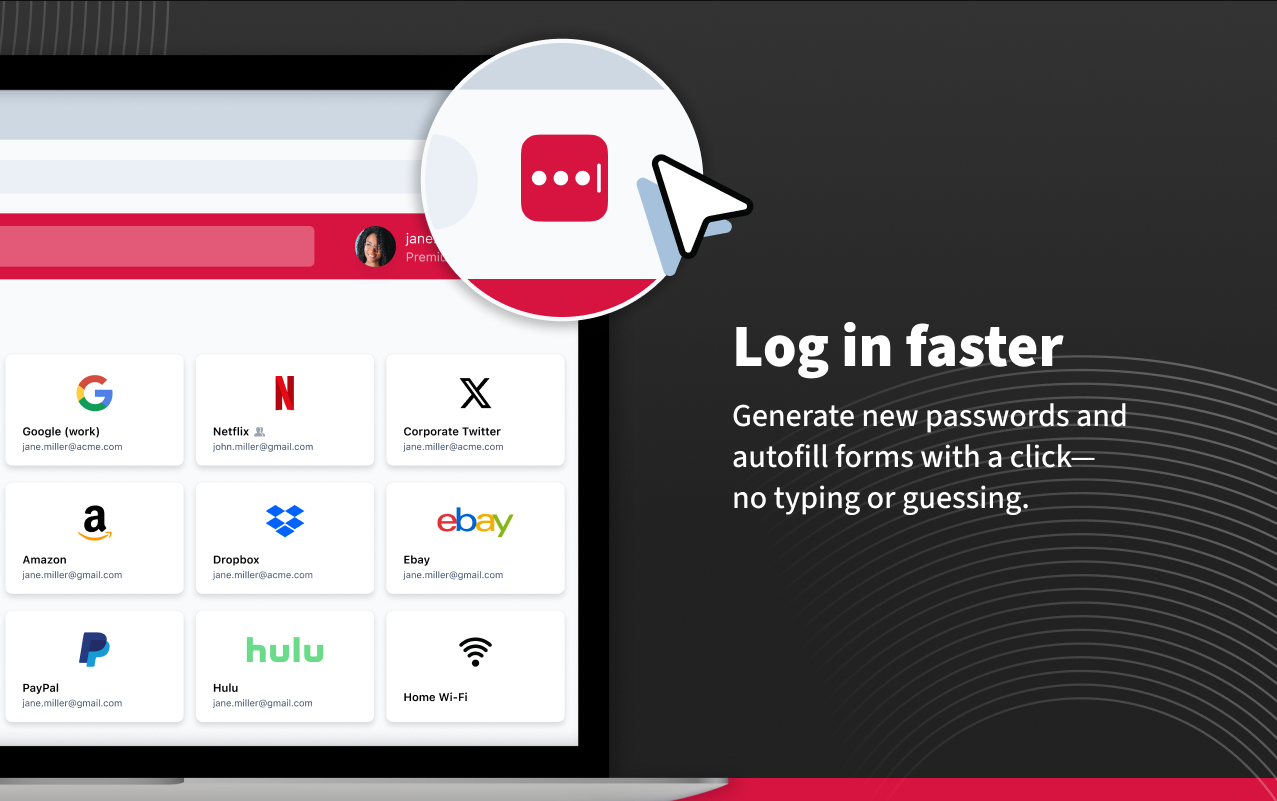
Instantly fill login credentials on websites and in apps without typing. LastPass browser extensions detect login fields and populate matching credentials automatically. Smart URL matching ensures credentials are only filled on legitimate sites, protecting you from phishing attacks.
- ✓ One-click login on saved websites
- ✓ Autofill payment cards and addresses at checkout
- ✓ URL validation prevents credential theft on fake domains
- ✓ Windows app autofill for desktop applications on Premium
Built-In Password Generator
Create strong, unique passwords and passphrases in a single tap. Customize length, character types, and avoid ambiguous characters. Generated passwords are saved directly to your vault so you never need to copy and paste manually.
Random Passwords
Up to 99 characters with uppercase, lowercase, numbers, and symbols.
Passphrases
Memorable multi-word combinations that remain cryptographically strong.
Generated password example:
K#9mPx$vL2nQ@8wR!fT5
Strength: Very Strong | Length: 20 | Entropy: 131 bits
Multi-Factor Authentication
Add an extra layer of protection beyond your master password. LastPass supports multiple MFA methods to ensure only you can access your vault, even if your master password is compromised.
Authenticator Apps
Use Google Authenticator, Microsoft Authenticator, or any TOTP-compatible app for time-based one-time codes.
SMS and Email Verification
Receive verification codes via SMS or email as a secondary authentication factor.
Hardware Security Keys
Premium users can use YubiKey and other FIDO2-compatible hardware keys for the strongest MFA protection.
Dark Web Monitoring
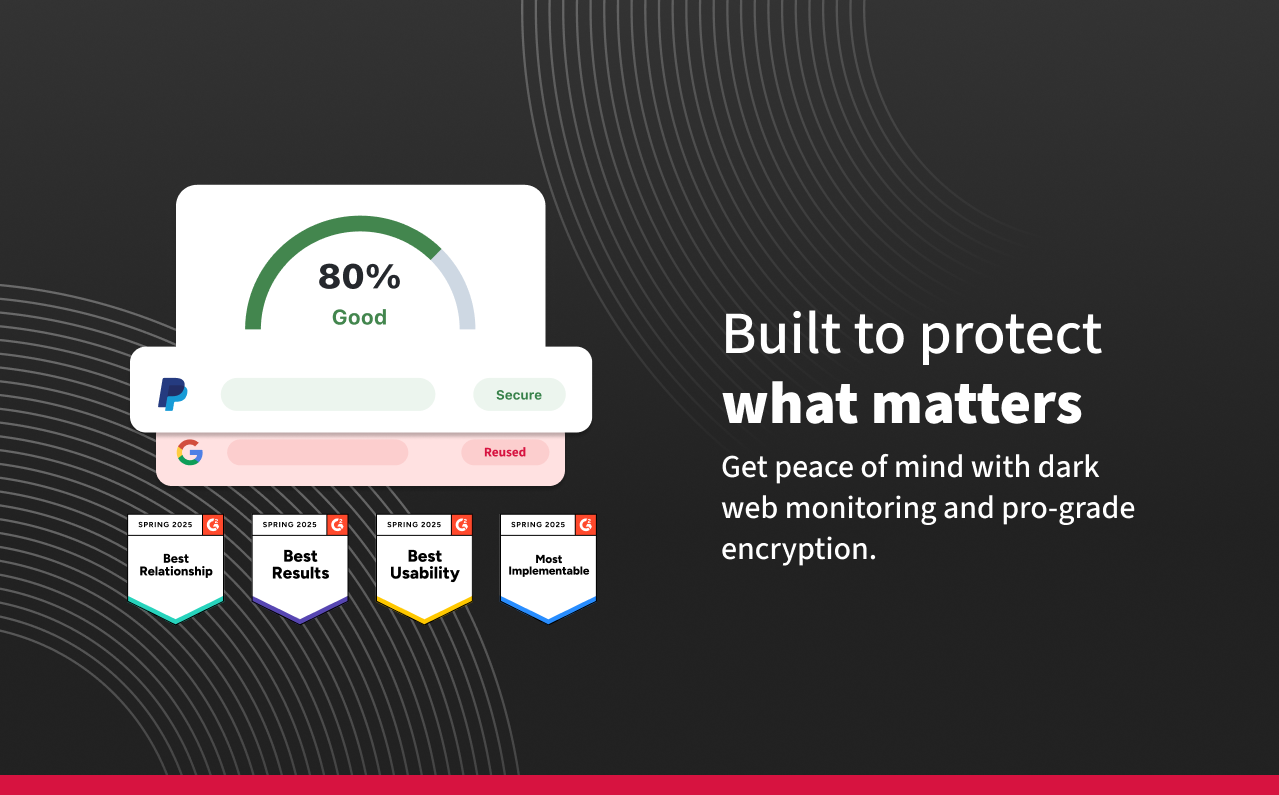
LastPass monitors known dark web forums and breach databases 24/7 for your registered email addresses. If your information appears in a breach, you receive an immediate alert so you can update affected passwords before attackers act.
- ✓ Available on both Free and Premium plans
- ✓ Continuous monitoring of multiple email addresses
- ✓ Integrated with Security Dashboard for actionable insights
- ✓ Partnership with Enzoic for breach intelligence data
Security Dashboard Highlights
Browser Extension and Cross-Platform Sync
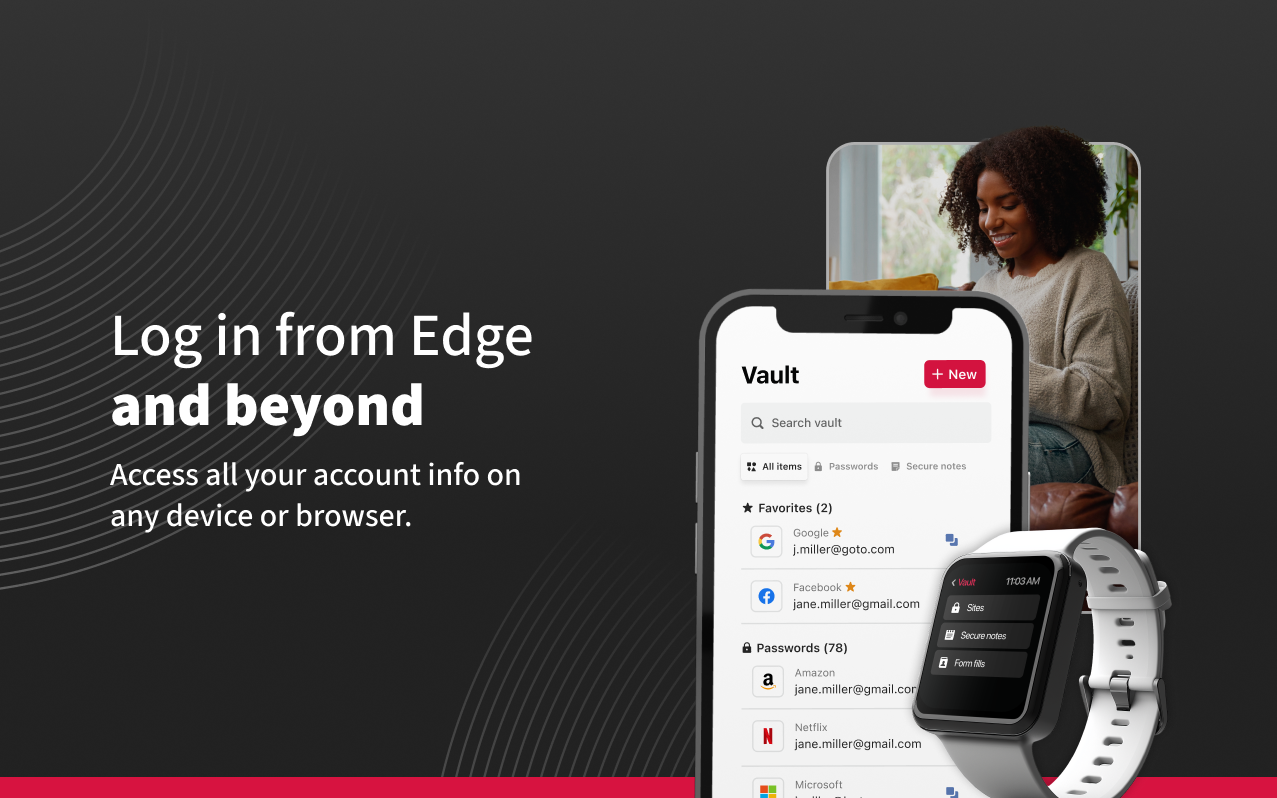
LastPass works wherever you browse. Install the extension on Edge, Chrome, Firefox, Safari, and Opera. Sync vault data across Windows, macOS, Linux, iOS, and Android with Premium.
Browser Extensions
Edge, Chrome, Firefox, Safari, Opera. Over 3.6 million active extension users.
Desktop Apps
Native applications for Windows, macOS, and Linux with offline vault access.
Mobile Apps
iOS and Android apps with biometric unlock and passkey support.
Cloud Sync
Premium syncs encrypted vault data across unlimited devices automatically.
Ready to Experience Every LastPass Feature?
Download LastPass free and unlock secure password management today.
Download LastPass